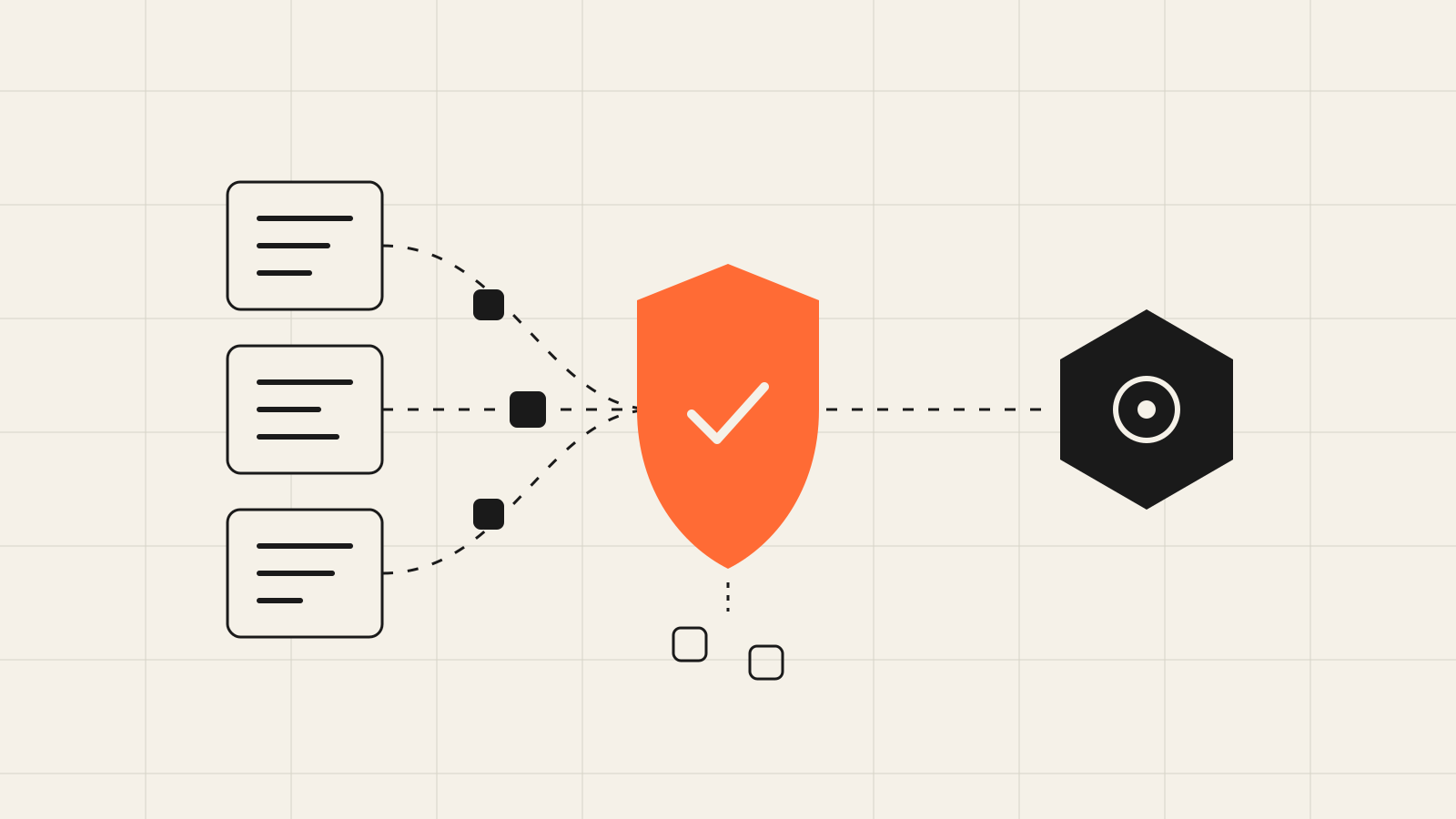
In many small businesses, AI didn't arrive through a formal decision. It came in through the back door. Someone in accounts opens a free chatbot to make an email to a client sound more polite. The person at reception pastes in a guest complaint to get a suggested reply. Someone else uploads a spreadsheet of names and phone numbers to "tidy it up".
All of this saves time. All of it also sends personal data to a third-party provider, often without anyone checking where it goes or what happens to it afterwards. The answer isn't to ban AI. It's to set a few simple rules so your team can use it safely.
Why this applies to your business too
When it comes to the basics, GDPR, the EU's data protection regulation, doesn't distinguish between large and small companies. If your business decides why and how it processes the data of customers, employees or partners, you are the data controller. That stays true when the data passes through an AI tool.
In other words, if an employee pastes a client's tax ID and payment history into a chatbot, the responsibility doesn't move to the chatbot provider. It stays with you.
Say a twelve-person accounting office has no rules at all. Everyone uses whatever tool they like, on personal accounts. If a client asks tomorrow, "Where has my data been sent?", nobody can answer with confidence. That is exactly the problem we're solving here.
What GDPR asks for, in plain terms
You don't need to become a lawyer. Five ideas are enough.
Data minimisation
Send only what the task needs. For AI to improve the tone of an email, it doesn't need the client's full name, phone number or account number.
A clear purpose
Data you collected to issue an invoice can't be used freely for anything else. Every new use has to fit the original purpose or have its own legal basis.
A contract with the provider
When an outside provider processes data on your behalf, you need a written data processing agreement, usually called a DPA. It sets out what the provider does with the data, which subcontractors it uses and when it deletes the data.
Transfers outside the EU
Many AI tools belong to US companies. Sending data there is allowed, but only through specific mechanisms, such as the EU-US Data Privacy Framework for certified companies, or standard contractual clauses. Check what the provider states, and prefer processing inside the EU when that option exists.
Special categories of data
Health data, religious beliefs or trade union membership get stricter protection. An employee's medical certificate or a note about a customer's allergy has no place in a free chatbot.
Free account or business plan?
This is where the biggest practical difference lies. Free or personal plans of AI tools are built for individuals. Their terms often let the provider use conversations to improve its models unless the user switches that off. They usually don't offer a DPA for your business.
Business plans and API access usually come with different terms. Before you decide, check four things in the provider's terms:
- Whether there is a DPA you can accept.
- Whether your data is used to train models, and whether you can switch that off.
- How long conversations and logs are kept.
- Whether you can manage the team's accounts centrally and remove access when someone leaves.
Terms change often, so run this check at least once a year. One more thing: a single business account for the whole team is far easier to control than ten personal ones.
AI isn't the risk. Not knowing what you send it is.
What can go into a prompt
Your staff will never read GDPR. They will remember a simple three-colour rule.
| Category | Examples | What to do |
|---|---|---|
| Green | General text, products, public information | Fine, in an approved tool |
| Amber | Customer emails, complaints, internal documents | Only after removing names and contact details |
| Red | Tax IDs, social security numbers, IBANs, health data, payroll | Never in a chatbot, only in a vetted automation |
Say a hotel receives an angry review. The employee can paste in the text, but replaces the guest's name with "the guest" and removes the room number and dates. The AI writes an equally good reply. The personal details never left the hotel.
Simple ruleIf you wouldn't put it in an email to a stranger, don't put it in a prompt.
When AI becomes part of an automation
Manual use is only half the story. When you connect AI to a workflow, for example to sort incoming emails or read invoices and receipts, you can control the flow much better than in a chatbot.
Send only the fields you need
In a tool like n8n, you choose exactly which fields reach the AI step. If the model only needs to understand what a message is about, you send it the text, not the customer's entire record.
Mask details before they leave
A small step before the AI call can replace emails and phone numbers with placeholders. For example, in an n8n Code node:
// Mask emails and Greek phone numbers before the AI step
const emailRe = /[A-Z0-9._%+-]+@[A-Z0-9.-]+\.[A-Z]{2,}/gi;
const phoneRe = /(?:\+30\s?)?(?:2\d|69)\d{8}/g;

return $input.all().map(item => ({
  json: {
    ...item.json,
    text: String(item.json.text || '')
      .replace(emailRe, '[email]')
      .replace(phoneRe, '[phone]'),
  },
}));
It won't catch every case, but it significantly reduces what leaves your systems. Names need more careful handling, such as replacing them with a customer ID.
Check where the automation runs
If n8n runs on your own server inside the EU, the data stays on infrastructure you control until the moment you call the model. Also set how long execution history is kept, because that's where copies of each run's data are stored.
Keep a person in the decisions
If AI suggests something that significantly affects a person, such as turning down a request, leave the final decision to a human. It's safer legally and, in practice, it catches the model's mistakes. For more demanding uses, talk to your data protection adviser about whether you need a data protection impact assessment (DPIA).
Checklist for the next two weeks
You don't need a big compliance project to get started. You need one page of rules and a few hours of checking.
- Ask your team which AI tools they already use and for which tasks.
- Pick one or two approved tools, ideally on a business plan with a DPA.
- Switch off the use of your data for model training wherever that setting exists.
- Write a one-page policy with the green, amber, red rule and share it with everyone.
- Add the AI tools to your record of processing activities and, where needed, update your privacy policy.
- For every AI automation, note which fields it sends, where, and how long they're kept.
- Name one person who answers the question "Am I allowed to put this into AI?".
- Review your providers' terms once a year.
With these steps, your team keeps all the benefits of AI, and you always know where your customers' data is going.